


There are tutorials, exploded views, certificates, information sheets, documentation for designers and other documents.
 PLEASE SEE THE
DOCUMENTS ARCHIVE FOR OLDER VERSIONS.
- Manuals
- Catalogues
- Certificates
- Exploded Views
- For Designers
- Information sheets
- The Smart Boiler mobile app
- Manuals
- Catalogues
- Certificates
- Exploded Views
- For Designers
- Information sheets
- The Smart Boiler mobile app
Manuals
Universal manuals
Electric water heaters
OKHE / OKCE, OKCE/E / OKCE 2/6 kW / OKCE 2/2 and 2/4 kW / PTO / HA-DR / HA-DR T / MX / BTO / TO / TO 20.1 / OKHE SMART / OKHE ONE / OKHE ONE/E / OKCEV / OKCE S/2.2 kW / OKCE S
Combi water heaters
OKC / OKCV / OKC/1 m2 / OKF/1 m2 / OKCE NTR/2.2 kW / OKCE NTR/HW/2,2 kW
Wall-mounted indirect fired storage tanks
OKC NTRR/SOL / OKC NTRR HP SOL / OKC NTR/HV / OKH NTR/HV / OKC NTR / OKC NTRR / OKC NTR/BP / OKC NTRR/BP / OKF NTR/S / OKC NTR/HP
Water heaters with integrated heat pump
Storage tanks
Without hot water preparation / With hot water preparation
Accessories
TJ 6/4“ heating unit / TJ 2“ heating unit/ Titanium anode CORREX MP / Electric heating element R / Electric heating element TPK / Electric heating element TPJ / Tubular heat exchanger RWT 1 / IPS ProtectX
Flange unit usage table
Exploded Views
Exploded views - water heaters and hot water storage tanks
Exploded views - storage tanks
Exploded views - accessories
For Designers
DRAŽICE Digital Tool with Archicad and Revit support
The digitalization and gradual adaptation of the BIM process brings many benefits but also challenges. More and more investors are working with BIM models and thus demanding data-driven BIM models at the design stage. Similarly, there are demands from building contractors and building managers to produce As-built BIM models, i.e. the actual construction design where information about the delivered products will be stored for future use.
As architects and designers who process their projects in BIM, the DRAŽICE Digital Tool from the bimproject.cloud family will help you with this. You can quickly administer requirements for structures and products and their subsequent specification in a few seconds. You can create BIM objects automatically, for free, and their geometry and list of parameters will be exactly according to your ideas. The connection between bimproject.cloud tools and design BIM software is provided by a plugin, which is available for free download for officially supported versions of Revit and Archicad on the bimproject.cloud website. The plugin starts and updates automatically and you don't have to worry about it after installation.
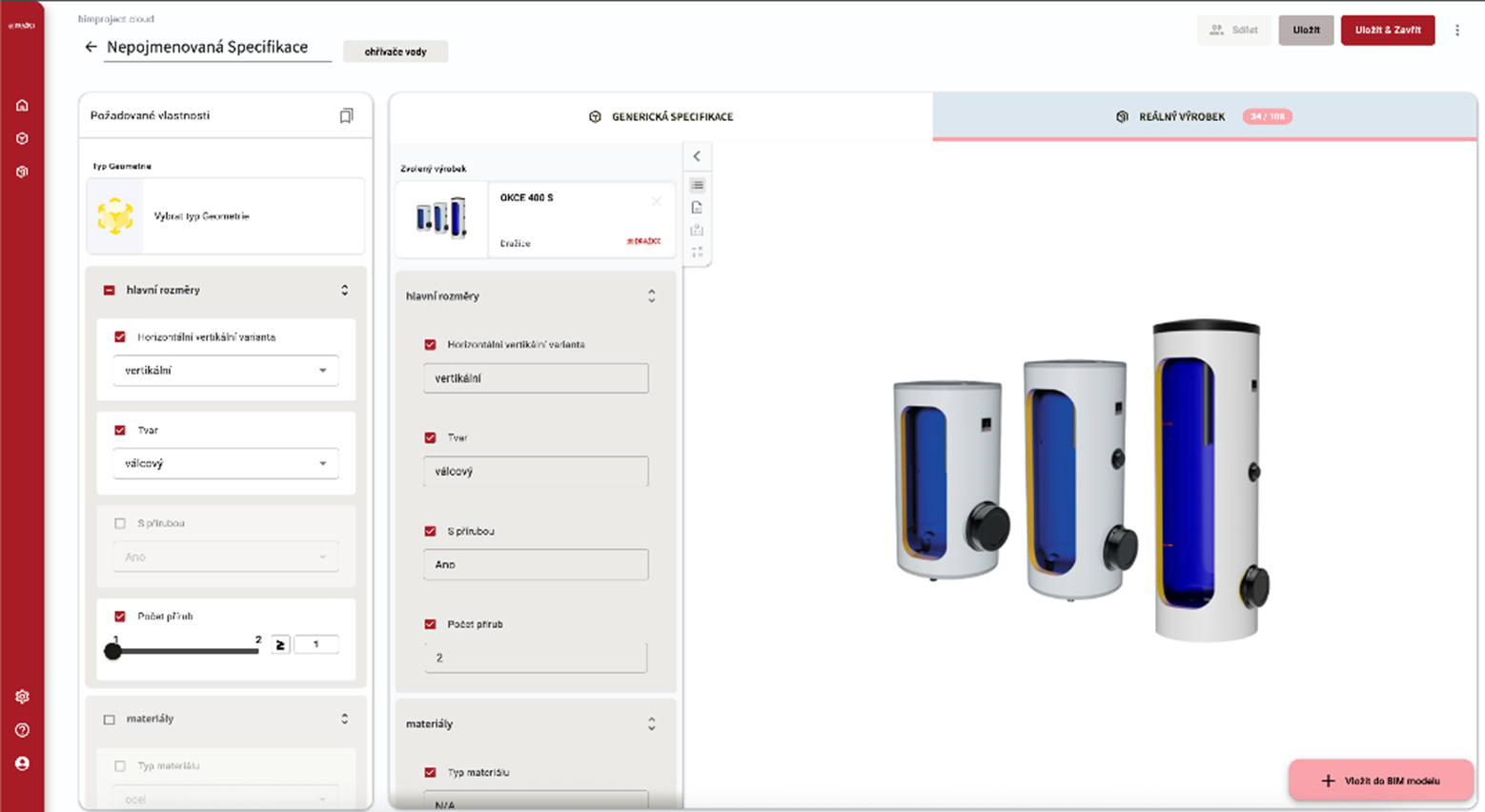
The tool contains an up-to-date database of DRAŽICE and NIBE provided and maintained directly by the manufacturer. You can also use complete localization in 6 languages - in addition to czech and english, also german, slovakian, ukrainian or russian.
OPEN DRAŽICE DIGITAL TOOL
https://drazice.app.bimproject.cloud?language=cs
https://drazice.app.bimproject.cloud?language=sk
https://drazice.app.bimproject.cloud?language=en
https://drazice.app.bimproject.cloud?language=de
https://drazice.app.bimproject.cloud?language=uk
https://drazice.app.bimproject.cloud?language=ru
Real products database
When you need a specification for a specific product, you can use the DRAŽICE product database, which is maintained by the manufacturer, in the "Real Product" tab. This is a list of certified products, which also have links to documents (technical sheets, declarations of conformity, declarations of performance, etc.) attached.
When inserting a Specification into a BIM model, the same geometry is used as in the generic specification, so everything is 100% compatible. For each product that you assign to the Specification, you can also set which of its properties (parameters) you want to insert into the project and which you do not.
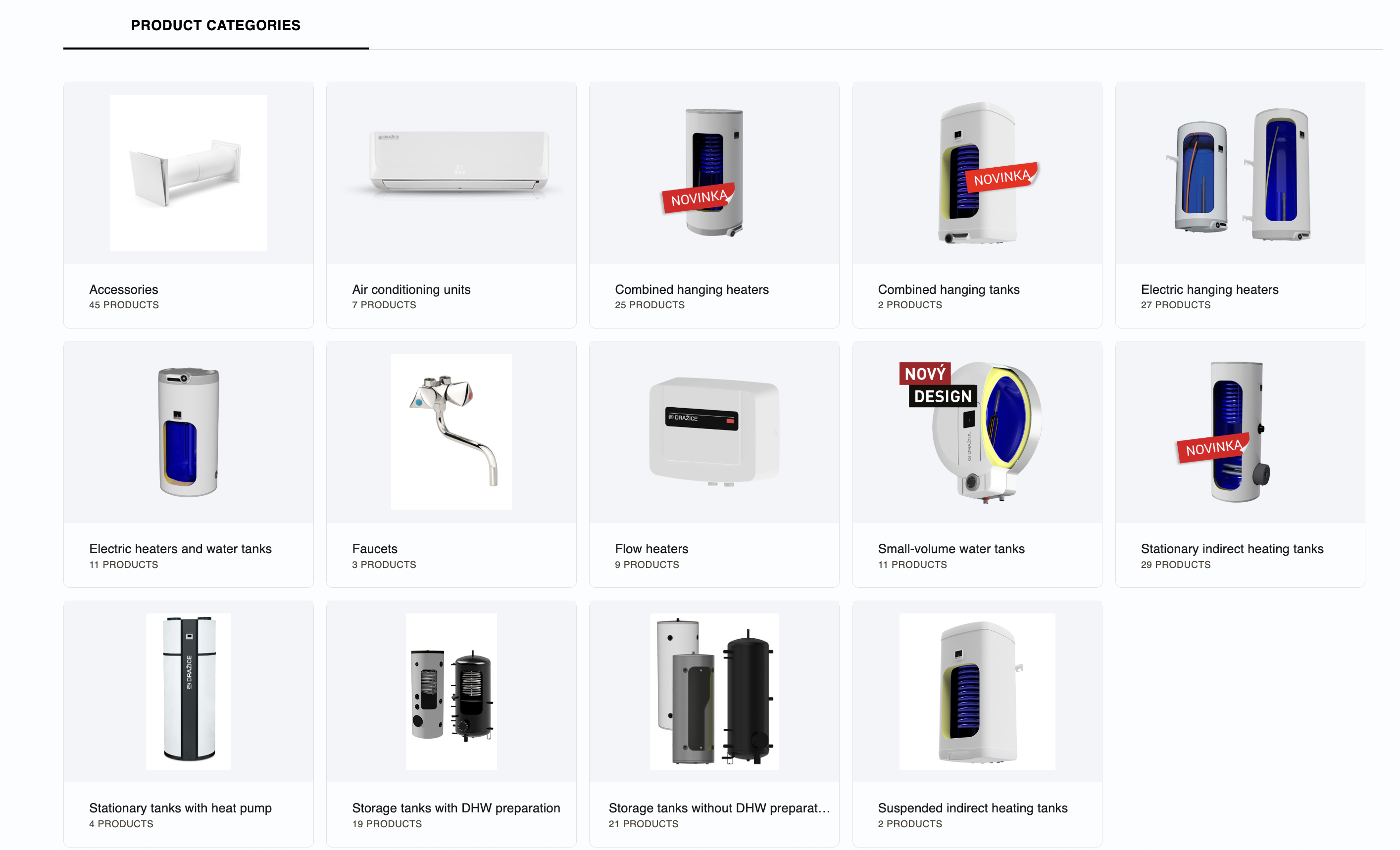
The DRAŽICE and NIBE product database contains 21 product lines.
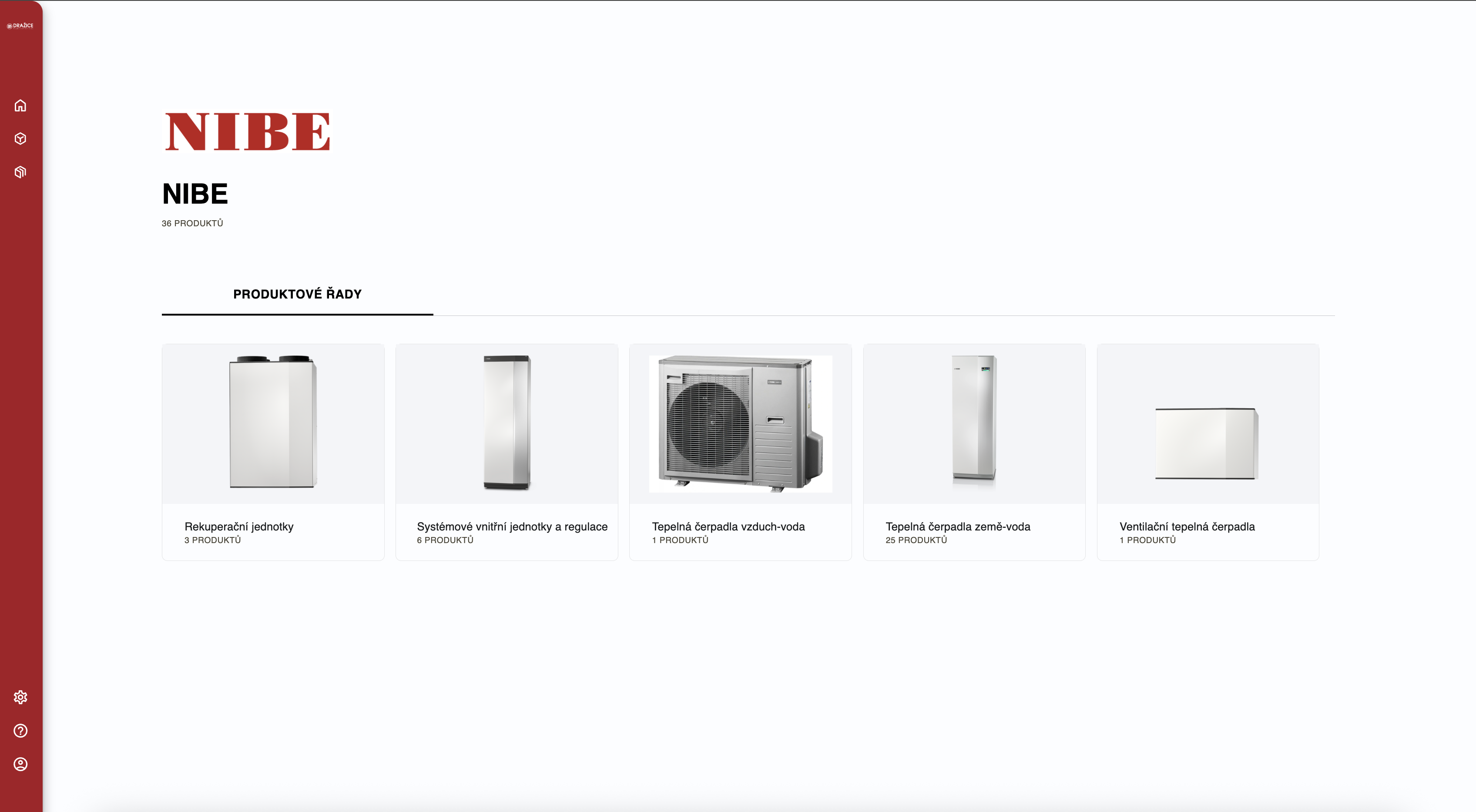
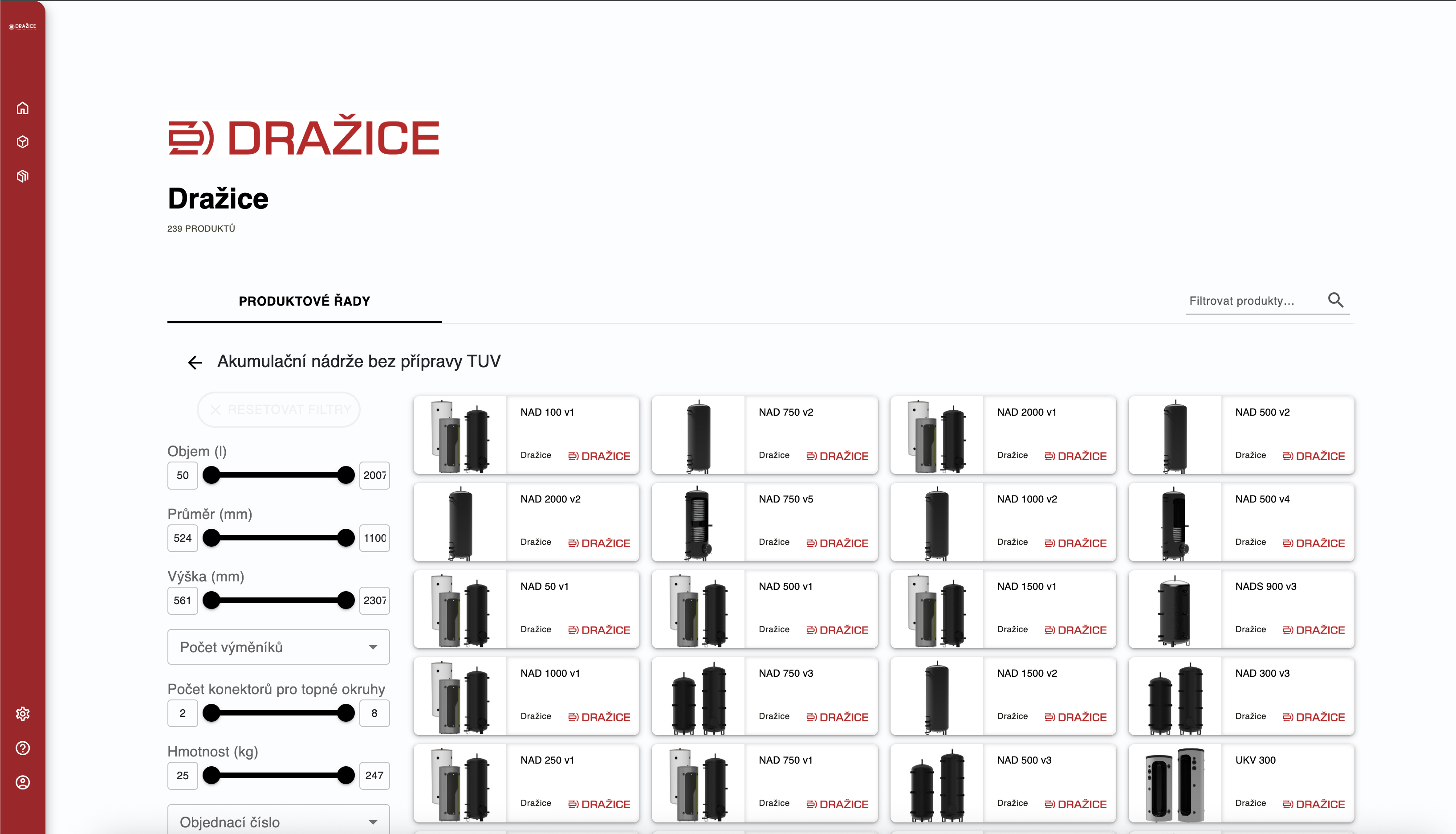
Catalog and Product pages
Products are sorted in the app to BIM categories, but at the same time to Catalogs. Its structure reflects manufacturers catalog and website sorting. In each category you can use filters to find the best product for your project.
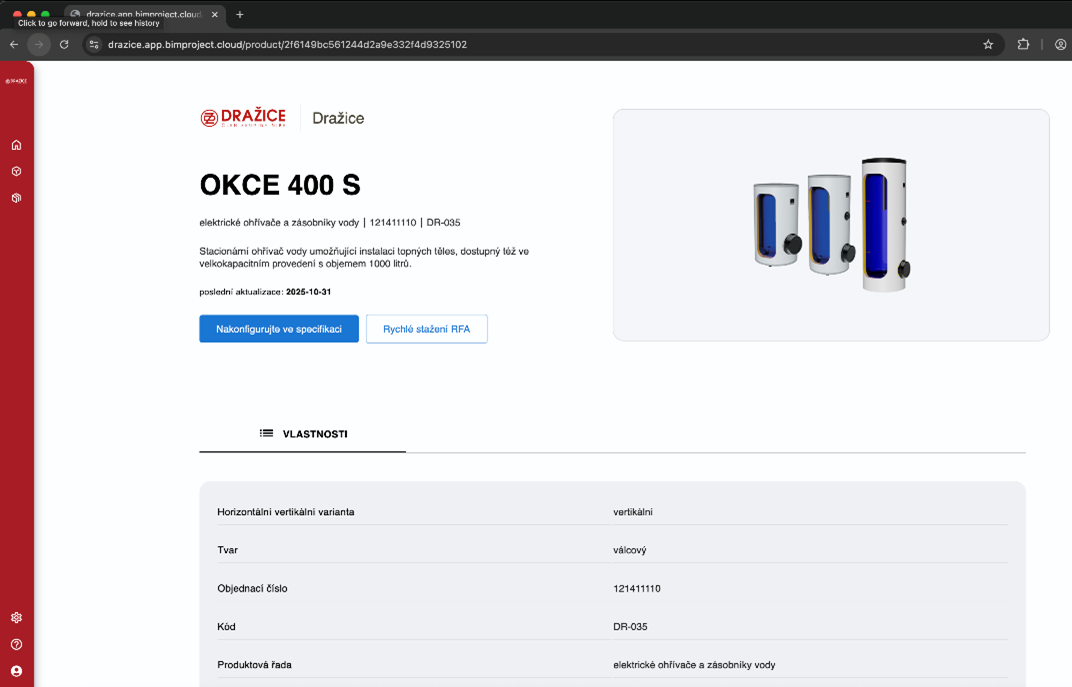
Each product and component has its own product page with a URL link that contains a unique product ID. These product profiles remain available forever, i.e. even after the product is discontinued (this information is listed on them). They are used to track products in the future, i.e. such a database can be used by building managers, building passport manufacturers or designers during later reconstruction.
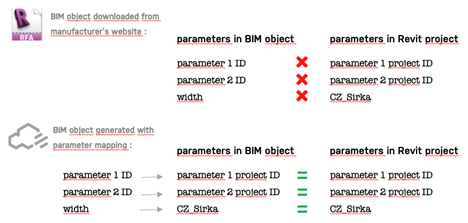
Parameter mapping for Revit
If you are a Revit user who wants to use parameters according to your project (and not create new ones), you can use the Parameter Mapping feature for Revit. After uploading a TXT file with Shared Project Parameters, you can map them to bimproject.cloud parameters and we will use your project parameters. The resulting list of parameters and their values will then have the same names and structure as you need to submit a BIM model.
Support
For any comments of questions you can contact us or directly the support of BIM platform at support@bimproject.cloud or directly from the app.
Drawings for download
The Smart Boiler mobile app
The Smart Boiler mobile app
The Smart Boiler app will allow you to access the OKHE SMART water heater via Bluetooth. The first pairing is protected, and requires to copy the code that the heater generates on the display immediately after selecting the boiler 10 meters from the mobile device.